
Table of Contents
School Names, Nicknames and Competition Identity
College football searches can be less straightforward than a professional league search because a school may appear under a formal university name, a short form or a nickname. Try the part that is most distinctive, then verify the opponent and sport.
Do not treat two teams with a similar nickname as the same institution. A city or mascot can be shared, and a school may also have basketball listings on the site. The complete fixture title is the useful unit of comparison.
The NCAA FBS scoreboard is a relevant official reference for FBS fixtures. It does not represent every division of college football. When checking another level of competition, use the appropriate school or organizer’s published schedule.
A College Football Viewing Checklist
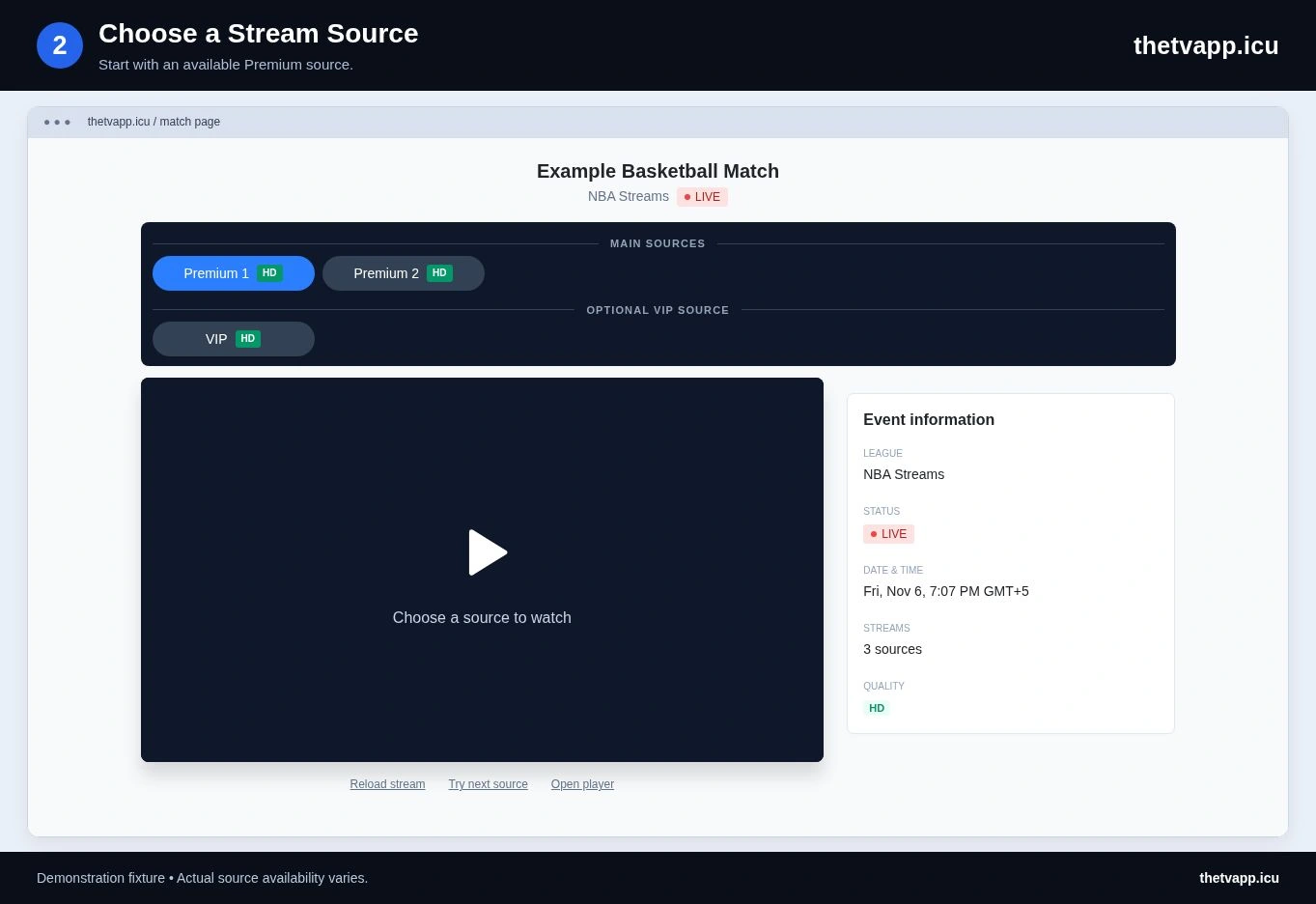
Use this sequence when several Saturday games or closely named schools appear together. It keeps the event check separate from the source test and makes a later error report more precise.
- Search for a distinctive school name and confirm the other participant.
- Read the sport and competition label, especially if the university also has a basketball event listed.
- Compare the displayed date and local kickoff with the fixture you intended to watch.
- Open that event and check whether a Premium source is selectable or still has an opening countdown.
- Confirm the program inside the player, then test sound and fullscreen.
- If a source is wrong or unavailable, record its label before trying another.
Regular Fixtures and Special Event Labels
A listing may identify a regular matchup, a conference event, a bowl or another postseason fixture. Read that wording as part of the event identity. Do not infer the stage of a competition from a familiar pair of schools alone.
An important game may be rescheduled or assigned a different kickoff time after an earlier listing was created. Recheck the event near the start. A time you copied several days ago can be less useful than the current organizer’s information.
The page does not promise every college game or every broadcast version. If no suitable listing appears, check the official fixture and return later rather than choosing an unrelated game with a working player.
How to Describe a College Listing Problem
Include the school names exactly as shown, the event date and the page address. If the source carries a different game, name the source button and describe what is actually on screen. This separates an incorrectly identified fixture from a provider playing the wrong program.
For a timing report, include the timezone your device displays. “The time is wrong” is difficult to assess without knowing the calendar day and region used for the comparison. A screenshot can help if it contains only the public event information and no private browser or account details.
Plan the Rest of Your Viewing
Use Today to compare a college fixture with other listed events. For a different football competition, open NFL or UFL. If you will move from a phone to a TV, check the display options before the game.
Frequently Asked Questions
Where Can I Find College Basketball?
Use the NCAAB section for college basketball. Similar school names can appear in both sports, so check the sport and competition shown with the event.
Is NCAAF the Same as the NFL?
No. The labels refer to college and professional football respectively. A team nickname or shared location can make a search ambiguous, so use the competition and full matchup to identify the event.
Why Does a Short School Search Return Too Many Results?
A short city name or nickname can match several teams or sports. Try a more distinctive part of the institution’s name, then confirm the opponent. Adding unrelated words often makes the search less useful.
Can I Use One Saved Page for the Entire Season?
A match-page bookmark identifies one event. Bookmark the college football section for future browsing, then open and save the new fixture when it appears. The previous event’s source is not a season-long channel.