








Table of Contents
Two Calendars Can Describe the Same Fixture
Today selects fixtures by the website’s configured calendar day. Your browser then displays times in your local timezone. Those are separate operations, so a fixture in this list can appear to fall on yesterday or tomorrow where you are.
For example, a late-evening fixture in one timezone can be an early-morning fixture on the next calendar day elsewhere. Compare the full date and any stated timezone before assuming the schedule is one day wrong.
If you know the competition, its sport or league page is a useful fallback because it is not limited to the same Today selection. Use the official schedule references in those guides to verify a changed fixture.
Build a Viewing Plan From the List
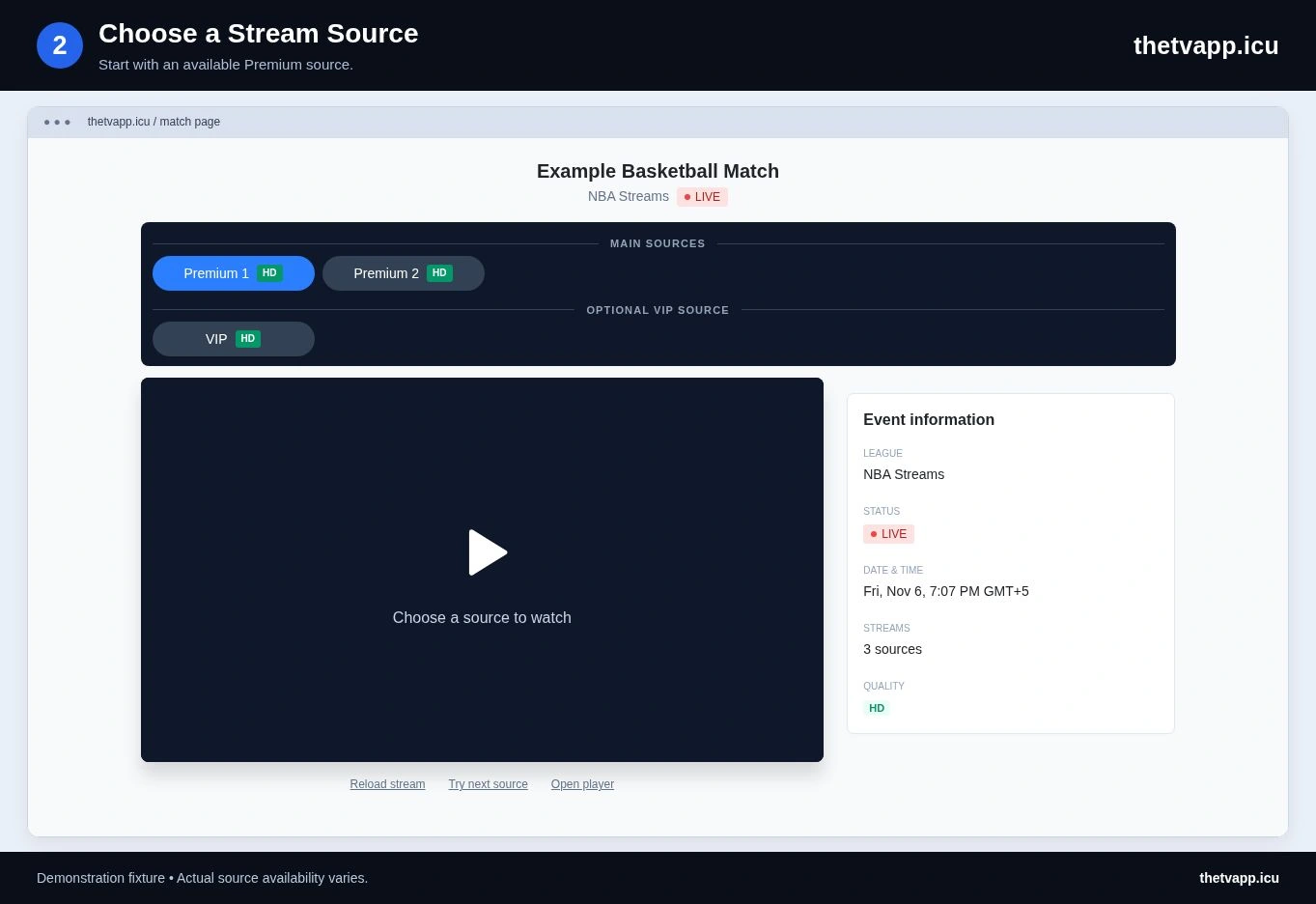
Use Today to scan the day, then open the individual events that matter to you. The match page is where you find source choices and the address to save or share. A day-level list is a starting point, not a guarantee that every listed event has a working player.
- Clear any old search so you can see the intended day’s list.
- Find your sport and read both participants or the complete event title.
- Check the displayed date and local start, especially near midnight.
- Open the event page and note whether a source is available or still counting down.
- Save the event address if you plan to return on another device.
- Recheck near the start for schedule changes and test the chosen player.
Handle Clashes and Missing Fixtures
When two events overlap, compare their actual start times rather than the order of rows alone. A race session, fight card and individual game represent different kinds of event, so their listed durations should not be treated as precise promises.
If your fixture is missing, search the team on the relevant sport page. The event may fall outside the site’s current date, carry a different label or be absent from the source feed. An empty result is not confirmation of cancellation.
Use Live Now when you only want events inside their supplied live window. Use Popular to browse the feed’s highlighted selection. Those filters answer different questions and can return different lists on the same day.
Keep Event Links Useful After the Day Changes
Bookmarking this page brings you back to whichever day the website considers current. It does not preserve today’s exact selection. To share one fixture with a friend, open that match and copy its address instead.
Before returning to a saved match, confirm that its date still matches your plan. A postponed fixture can move, and a repeated pairing can refer to a later meeting. Use the current official calendar when a saved listing and new information disagree.
A schedule report should include the event address, displayed date, your timezone and the discrepancy. For video errors, include the source label and the message inside the player as well.
Check the Viewing Controls Before You Need Them
The watching guide explains source opening, sound, fullscreen and sharing one fixture. If your plan involves a TV or second screen, use the device comparison before the selected event begins.
Frequently Asked Questions
Why Does Today Show a Different Date on My Device?
The selection follows the website’s day while browser times are local. A timezone difference can place the same fixture on another local calendar date.
Will a Bookmark Keep This Exact Day’s List?
No. This page follows the current website day. Save an individual match address when you need a particular fixture.
Does a Missing Match Mean It Was Canceled?
No. Check the relevant sport page and official schedule. A date boundary, label difference or feed omission can also explain the result.