

Table of Contents
Understand What Live Means in This Directory
The Live Now page selects events whose supplied start and end times surround the current time. It does not inspect every video or receive a direct status signal from each venue. A live badge therefore helps you find likely current events, but it is not a playback test.
A delay at the venue, an early finish or coverage that continues beyond the supplied window can make the listing and the broadcast differ. Check the event page and the actual player before interpreting the badge as a final result.
The homepage may also highlight events starting soon. This dedicated Live Now filter is narrower: it selects the schedule-based live window. Use Today or the sport page when you want upcoming fixtures as well.
| Label or State | Meaning Here | Useful Action |
|---|---|---|
| Live | The current time falls within the supplied event window | Open the event and check an available player |
| Starting soon | The supplied start is approaching | Check the fixture and source-opening information |
| Ended | The supplied end time has passed | Confirm the real event status if coverage continues |
| Player waiting screen | The provider has loaded but may not have begun coverage | Read its message and compare the event time |
| No live results | No current feed entries match the live window | Check Today or a sport section |
Choose the Event Before Comparing Providers
With several games underway, search or scan for both participants rather than selecting the first familiar team name. Read the competition and date, then open the match page. This avoids confusing a simultaneous game, a replay-like title or an earlier meeting with the current fixture.
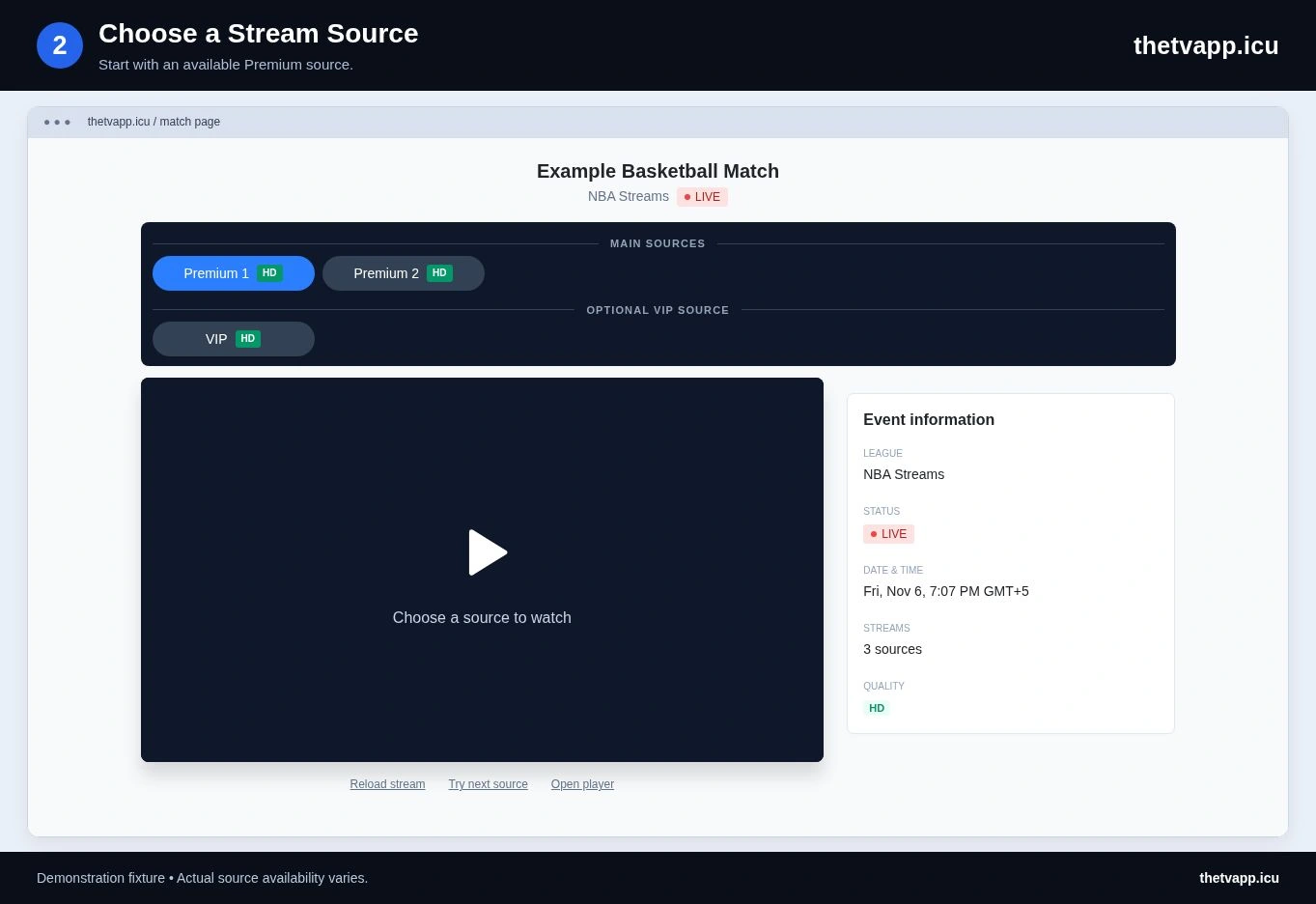
Select one available Premium source and confirm the program inside it. If it shows the right event and plays steadily, keep that source. If it fails, reload once or compare another available option; repeated switching makes a marginal connection harder to diagnose.
The viewing walkthrough explains the page controls. For a specific failure, the troubleshooting table separates a blank frame, refused connection, missing sound and buffering.
What to Do When the Live List Looks Wrong
First clear any search text and check whether the fixture appears on its sport page. Then compare the organizer’s current schedule. A missing entry and an inaccurate timing window are different issues, even though both can hide a match from this filter.
For example, if an event was delayed but its original end time has passed, it may no longer qualify for Live Now even though the broadcast continues. Open its existing match page or locate it through the sport section; the filter alone cannot settle the real-world status.
Report the exact event address, the time you checked and the mismatch you observed. If the listing is accurate but the selected video fails, include the source label instead of reporting the whole live schedule as broken.
Plan What to Watch Next
Use Today for later fixtures, Popular for the highlighted selection, or the homepage to search across sports. A fixture outside this live window may still be available through its competition page.
Frequently Asked Questions
Does Live Now Test Every Stream?
No. It uses the event’s supplied start and end times. Playback still depends on the source selected on the match page.
Can an Upcoming Match Appear on the Homepage but Not Here?
Yes. The homepage can highlight soon-to-start events, while this page selects the live timing window. Check Today for a broader view.
Can I Keep Watching After a Listing Says Ended?
The label alone does not stop or verify the broadcast. If the selected source continues and you are entitled to watch it, the displayed schedule window may simply have ended.