
Table of Contents
Use the Europa League Fixture as Your Starting Point
Start with the exact pairing and date in the official UEFA Europa League fixtures. A club’s wider schedule can include several competitions, so a search result containing its name is only the first step.
Check the event’s competition label before opening a source. Europa League, Champions League and Conference League are different competitions. A broad European-football description or a familiar television graphic does not make them interchangeable.
If a result belongs to another competition, return to the soccer directory or use the Champions League page as appropriate. The broader list can also help when a feed has shortened a competition name.
Read Round, Date and Meeting Details
The same clubs can appear together more than once across a season or a multi-match stage. Look at the date and venue rather than assuming the first matching title is the event you want. A link saved for an earlier meeting remains an earlier-event link.
Round information provides useful context, but the match pairing and date are the practical identifiers when searching. If the imported title is brief, compare those details with UEFA’s listing before deciding that a result is missing.
| Possible Confusion | How to Resolve It |
|---|---|
| Similar European competition names | Read the organizer’s competition title |
| Two entries with the same clubs | Compare dates, venues and round information |
| A fixture appears on another local day | Check the timezone and full date |
| Studio coverage starts before the match | Compare the listed kickoff with the actual program |
| A page says Ended while play continues | Treat the label as schedule-based and check live information |
Handle Overlapping Fixtures Deliberately
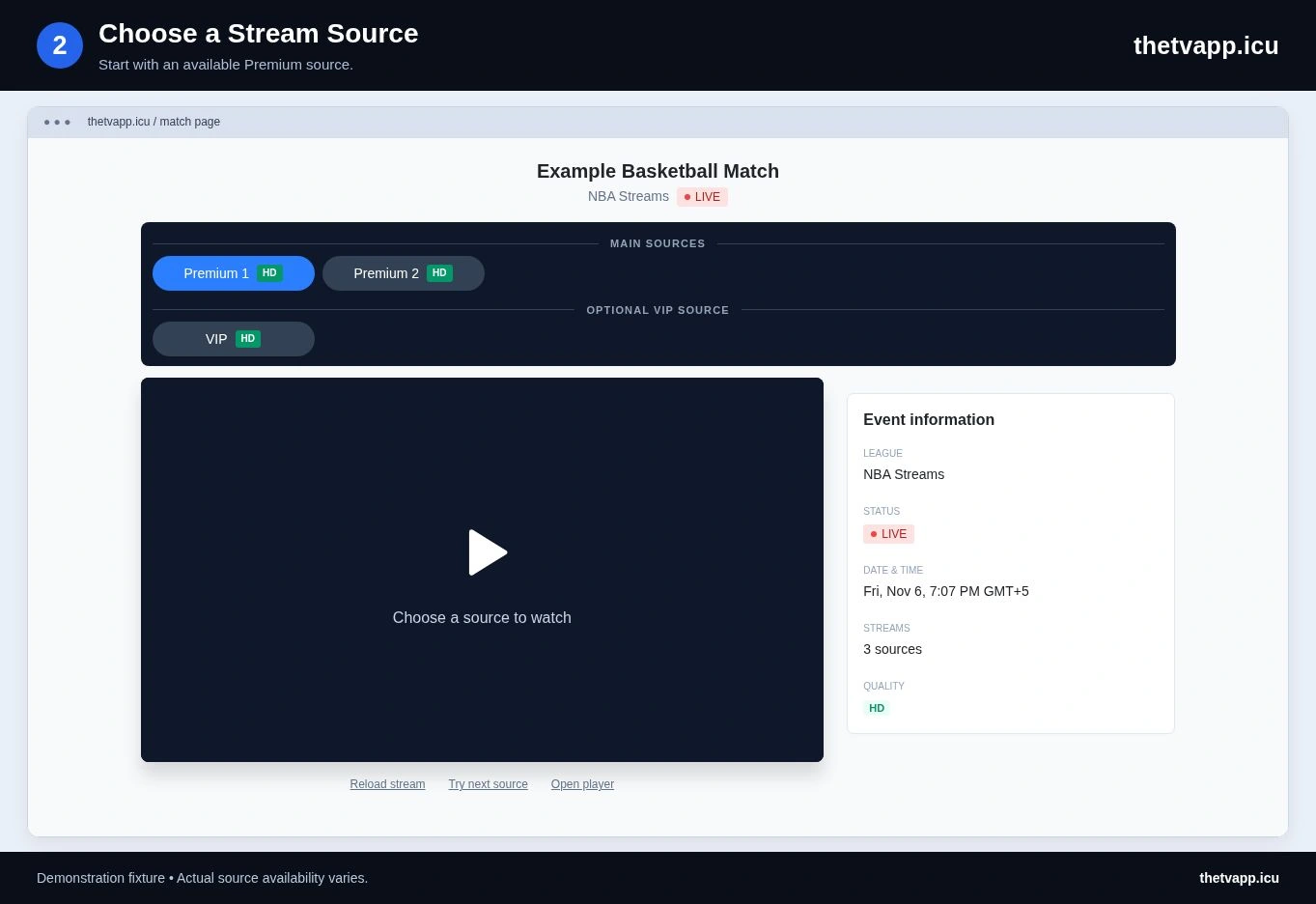
Several fixtures may be listed near the same time. Open the intended match before choosing a source, and check the teams visible inside the player. A provider showing another European game is a source mismatch even if the competition branding looks familiar.
For following more than one event, keep the match addresses distinct. Copy link shares the current event page, not the whole competition schedule. Label your saved links by pairing and date so you can return to the correct one.
Running several active players can use more bandwidth and device resources. If one starts buffering, compare it on its own before concluding that every listed source is faulty.
Separate Schedule Corrections From Player Problems
An incorrect pairing, round or kickoff belongs to the listing. A correct listing with a frozen or unrelated picture belongs to the selected source. The difference determines what information is useful in a report.
For a schedule correction, include the event address and a link to the relevant official fixture. For playback, include the source label, browser or device, visible error and whether another source worked. Avoid sending private account details.
If no source works, the playback guide provides a short comparison process. A provider’s embedding restriction or availability decision cannot be resolved by changing the wording on the event page.
Prepare Your Viewing Setup
For source selection and sharing the correct match, use the viewing walkthrough. If you plan to follow the fixture on a television, check the device comparison before kickoff. Keep the official schedule reference for date or round questions.
Frequently Asked Questions
Is Europa League the Same as Conference League?
No. Confirm the competition as well as the club names. Use the wider soccer schedule if the event belongs to another tournament.
How Do I Share the Correct Fixture?
Open the exact match, verify its pairing and date, then use Copy link or the page address. Sharing the competition page does not select one fixture.
Why Is Another European Game Playing?
The selected source may be mismatched. Confirm the event page first, compare an alternative and report the source label if it still shows the wrong game.