
Table of Contents
Match the Club to the Competition
An MLS club name is a useful search term, but it does not identify the competition by itself. The same club may appear in league play and other tournaments. Read the competition and event date beside the pairing before choosing a result.
The official MLS schedule is a starting point for checking league fixtures. If a game you expected is missing from this page, check its competition first, then try the wider soccer schedule. A different tournament label is a reason to broaden the search, not to assume the match was canceled.
When two clubs meet again, use the current fixture address. A saved link to their previous meeting still identifies that earlier event, even when the teams and venue look familiar.
Account for Venue Time and Your Viewing Time
Fixtures involving North American clubs can appear at very different hours to viewers elsewhere. Compare the date as well as the hour. A Saturday evening game at its venue can fall on Sunday morning for a viewer in another region.
The browser displays event times locally, while Today selects fixtures using the website’s calendar day. If a game disappears when you switch to Today, return to the league listing and check the full date before changing device settings.
| Detail | What to Compare |
|---|---|
| Club pairing | Both teams, including any abbreviated names |
| Competition | The actual tournament attached to this fixture |
| Date | Your displayed local date and the organizer’s timezone |
| Start time | The match start, rather than a studio program’s opening |
| Source | The program shown after the selected player opens |
Check the Broadcast Before Making Display Changes
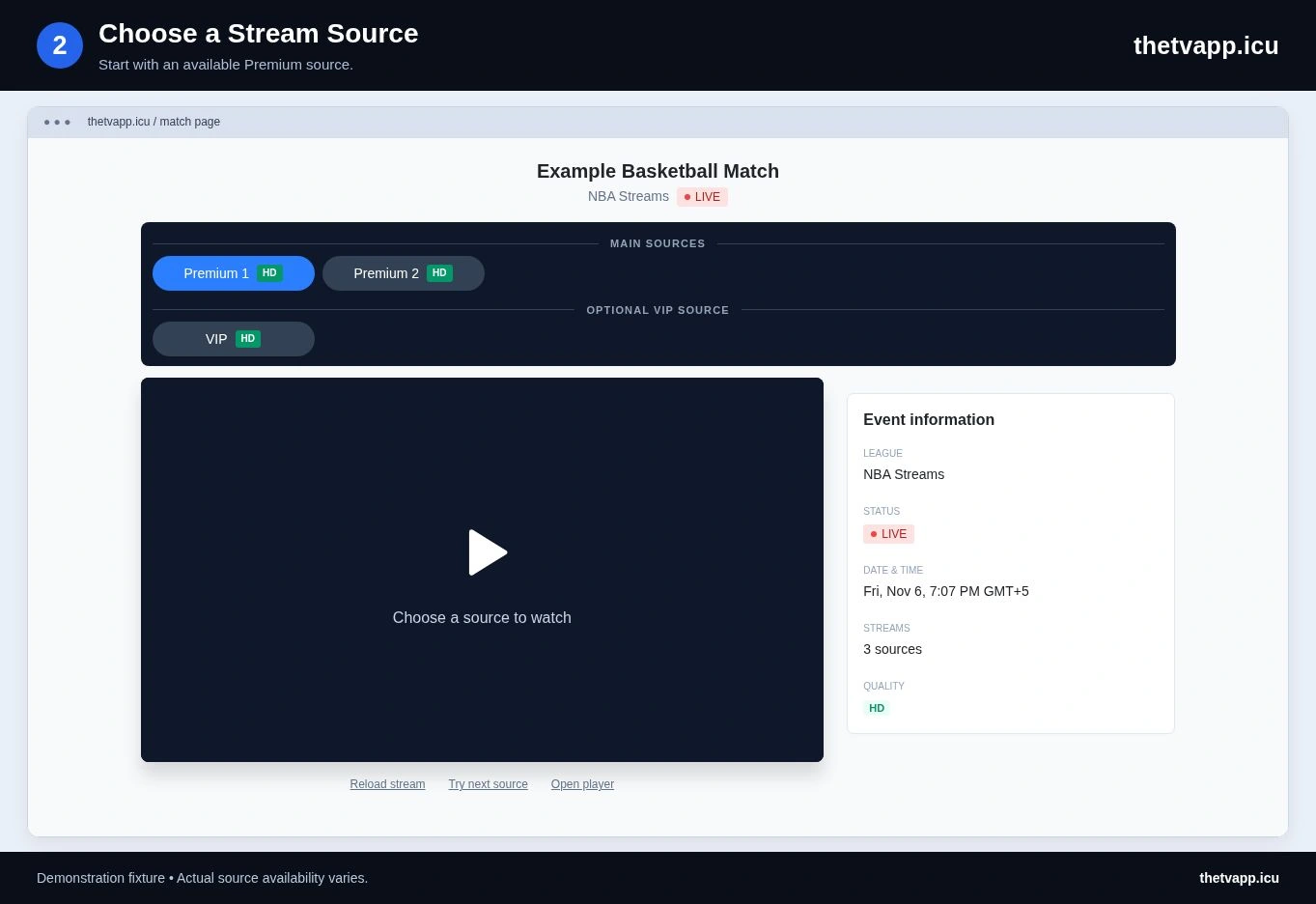
Start the video on the device itself and confirm the game before casting or mirroring. If the picture already shows the wrong fixture, changing the television input will not correct the source. Return to the match page and compare another available option.
Commentary language, captions and quality controls vary by provider. A source label is not a promise of a particular language or a specific broadcaster. Look at the player’s available controls and listen briefly before settling into the match.
If the phone plays correctly but the TV remains blank, the problem is specific to that display route. See the casting and mirroring guide for the difference between sending a browser tab and using a player’s own casting feature.
Use a Short Matchday Routine
Recheck the fixture before you plan around it, especially when you saved the address several days earlier. Open the page early enough to test sound and display controls, while remembering that a supplied source may not open until its own availability window.
During a long viewing session, keep one stable source selected. If playback stops, note whether the image froze, the sound continued or a provider error appeared. That detail determines whether to check audio, compare a source or report a loading failure.
For a report, include the clubs, displayed date, match address and source label. This separates a scheduling issue from a provider issue and avoids confusing one meeting between the clubs with another.
Useful Pages for Matchday
Use Today when comparing a fixture with other sports, remembering the site-day distinction. The playback checklist covers failures after a source opens. For a club event outside MLS, return to the wider soccer list.
Frequently Asked Questions
Why Does a Saturday Fixture Show Sunday for Me?
Timezones can move the local calendar date forward. Compare the full date and stated timezone on the official schedule with the time shown by your device.
Does This Page Include Every Tournament Played by MLS Clubs?
No. Club identity and competition identity are different. Search the wider soccer directory when the fixture belongs to another tournament.
Can I Choose a Commentary Language Here?
Only if an available source provides that language or exposes an audio option. The directory does not apply one commentary language to every player.