
Table of Contents
Understand the Session Labels
The race is one part of a Formula 1 weekend. On a standard weekend, practice sessions, qualifying and the Grand Prix have separate purposes. A sprint weekend changes the program and adds a shorter race and its qualifying session. Use Formula 1’s weekend guide to understand the current formats.
For this directory, the practical lesson is to identify the session before testing a source. A venue name or Grand Prix name can recur in several entries, but a practice player is not automatically the race player.
| Session Wording | What to Verify in the Listing |
|---|---|
| Practice or FP | Which numbered practice session and its local time |
| Qualifying | Whether it is qualifying for the Grand Prix or a sprint session |
| Sprint | The shorter race entry rather than the main Grand Prix |
| Grand Prix or Race | The main race date and scheduled start |
| Other motorsport wording | Whether the event is Formula 1 at all |
Build a Weekend Plan Without Reusing One Link
Start with the session you want to watch and save its event-page address. Then return to the schedule for the next session. Reusing a practice link for qualifying can leave you on an ended event, even when a separate qualifying listing is available.
Compare dates as well as hours. A session late in the host region can appear on the next day elsewhere. If the local day is different from an event advertisement, verify the venue, session and countdown before assuming the listing is wrong.
Do not apply a fixed time difference from another race weekend. Host locations and seasonal clock changes can alter the relationship to your timezone. Check the actual session time on the device you will use.
Coverage, Delays and Session Timing
A source may begin with buildup or analysis before cars run on track. If moving video and sound are present, the player may be functioning normally. A connection refusal or stalled loading indicator is a different symptom and belongs in the playback checklist.
Interruptions at a circuit can affect the real start or finish. The directory reflects supplied event information and may use an estimated duration. It does not receive every timing or race-control decision as it happens.
Use the broadcast and the organizer’s updates for the live session state. The schedule page is not a timing tower, classification service or confirmation that the chequered flag has been shown.
Set Up the Screen Before the Session Begins
Test the exact provider you intend to watch, including its sound and fullscreen controls. A pre-session still image is not enough to assess moving-video quality. If the connection is limited, select a stable quality option when the player offers one.
If you plan to use a television, check whether you are casting a supported video, casting a browser tab or mirroring a screen. Those methods can behave differently. Confirm that the sound is coming from the intended output before the session starts.
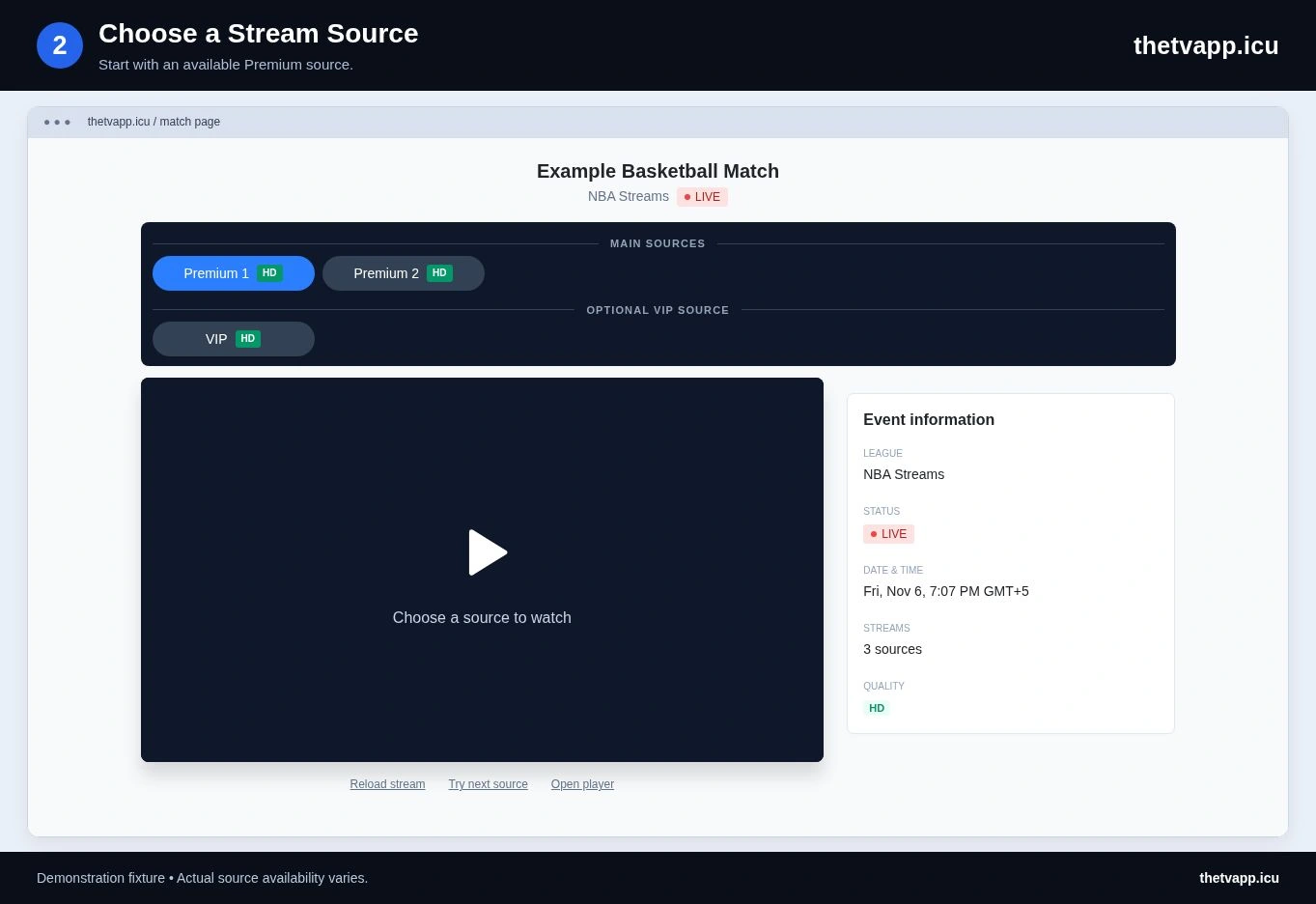
When one source fails, choose another available Premium option for the same session. Record the original label if you report the error. This avoids confusing a session that has not started with a provider that cannot open.
Prepare the Display and Source
Use the device comparison when planning a larger screen for the session. For a player failure after the scheduled start, follow the source checks. The daily schedule helps you compare racing with other events.
Frequently Asked Questions
Does the Schedule Show Lap Times?
No. These event pages provide scheduling and player choices. They do not replace official session timing, classifications or race-control information.
Does One F1 Listing Include Practice, Qualifying and the Race?
Only the supplied title identifies the session or program covered by that entry. Check for separate listings and save the relevant event address. The directory does not promise that one source carries the entire weekend.
Is a Sprint the Same Listing as the Grand Prix?
They are distinct sessions. Read the event wording and date, then choose the entry you intend to watch. A familiar venue name can appear on both, so it is not enough by itself.
Why Is a Race Player Showing Studio Coverage?
Coverage can begin before the session itself. Check that the program concerns the correct event and that the video is updating. If the source shows an unrelated program or an error, compare another option and report the specific label.